WordPress Plugin
The deadend.ai WordPress plugin (opens in a new tab) provides seamless integration with automatic content syncing and customizable 404 page handling.
Installation
- Download the plugin from the WordPress Plugin Directory (opens in a new tab)
- Install and activate the plugin through your WordPress admin panel
- Navigate to Settings → deadend.ai in your WordPress dashboard
Configuration
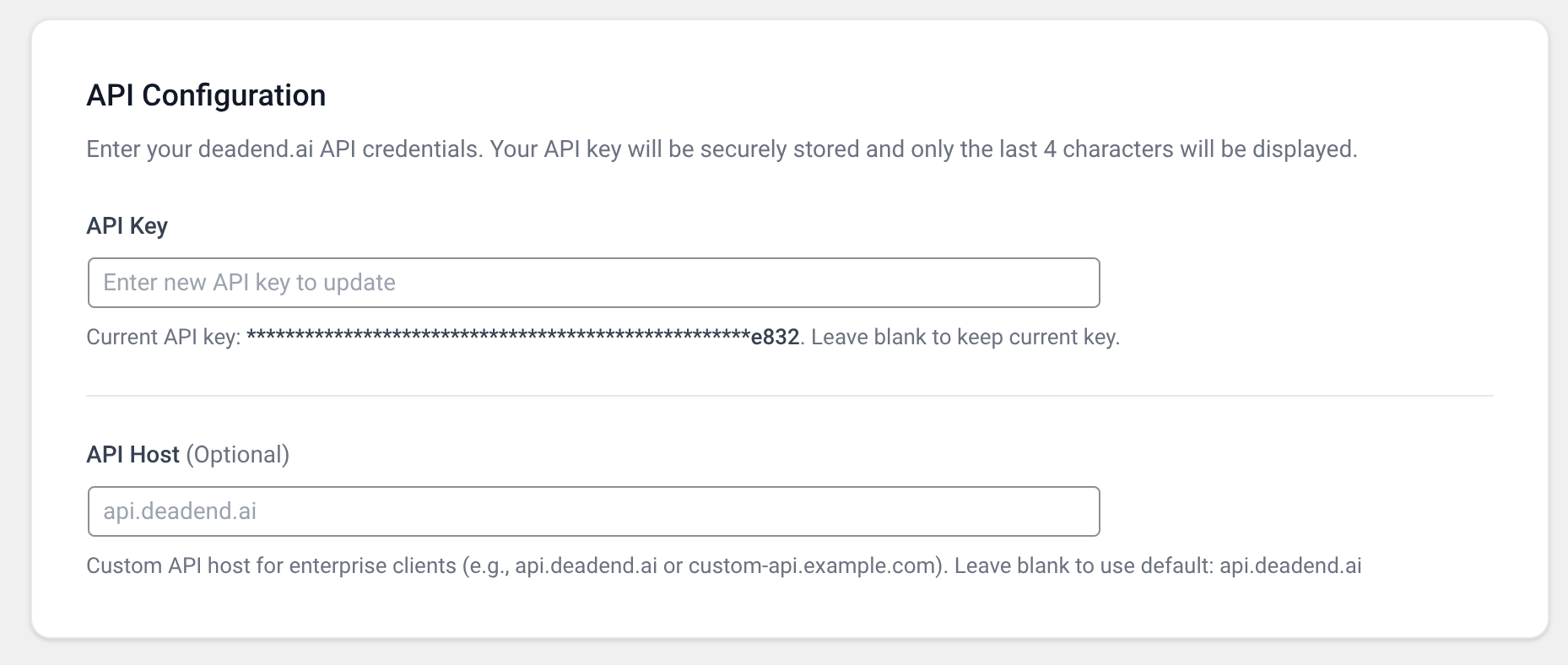
API Key Setup
Enter your deadend.ai API key in the settings page. Your API key will be securely stored (only the last 4 characters will be displayed).
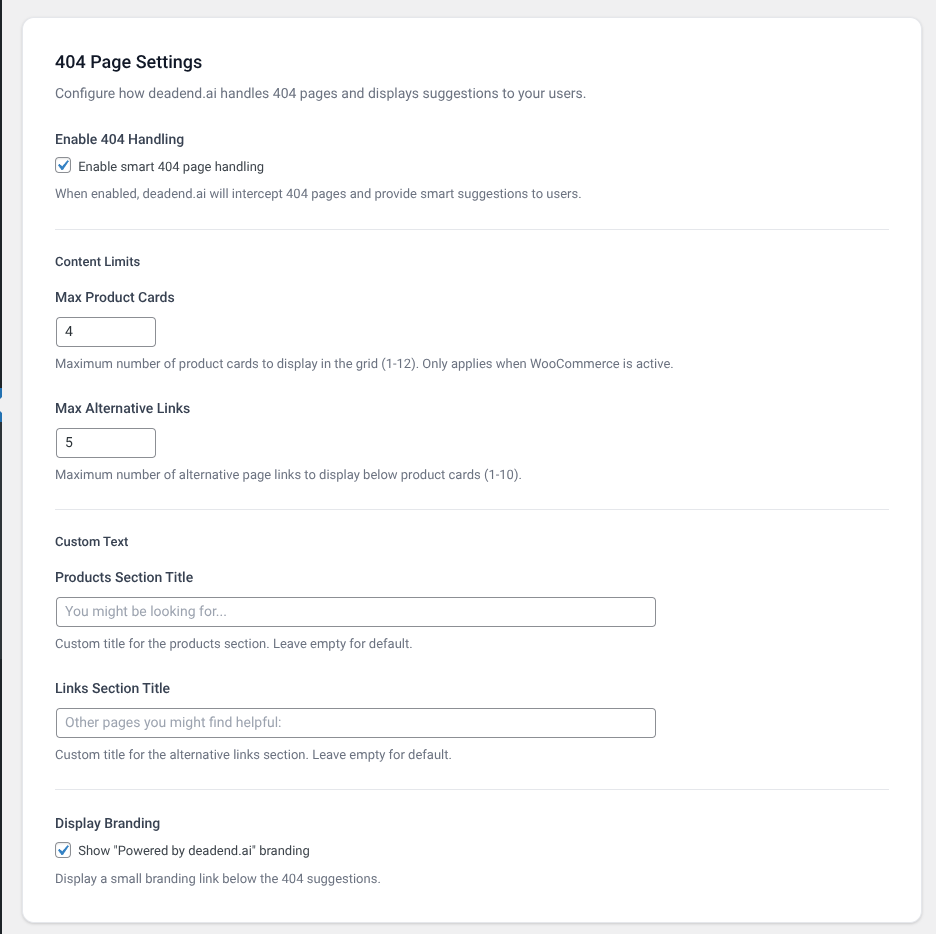
404 Page Settings
The plugin automatically takes over all 404 pages after installation - no manual integration or theme modification required!
- Enable 404 Handling: Check to enable automatic 404 page handling (enabled by default)
- Full Takeover Mode: The plugin completely replaces the default WordPress 404 page
- Theme Compatibility: Works with both classic themes and block themes (FSE)
- Header & Footer Preserved: Your theme's header and footer are automatically preserved
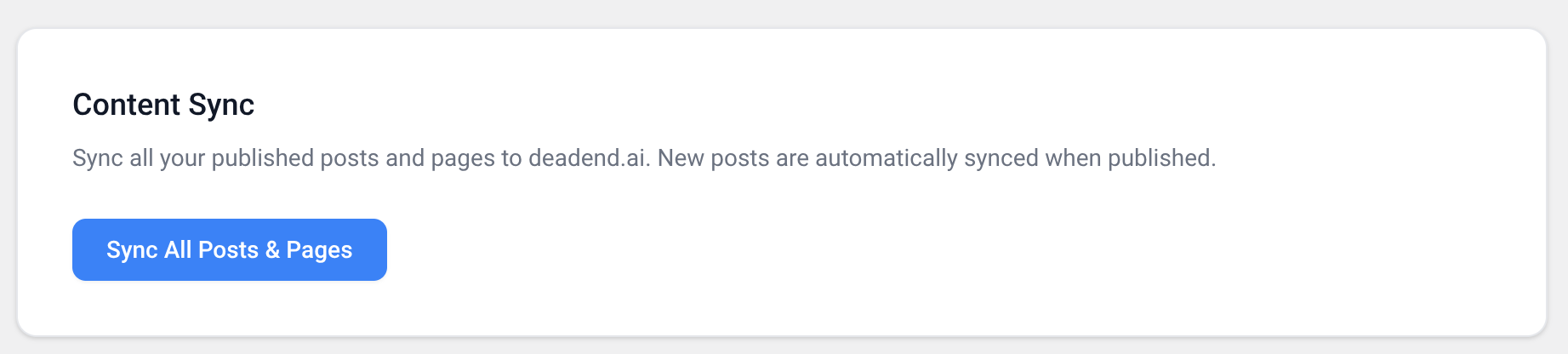
Content Sync
- New posts and pages are automatically synced to deadend.ai when published or updated
- Click "Sync All Posts & Pages" to manually sync all existing published content
The plugin adds a status indicator in your posts/pages table showing which content has been synced to deadend.ai.

Automatic 404 Page Handling
The plugin automatically takes over all 404 pages after installation - no manual integration or theme modification required!
- Full Takeover Mode: The plugin completely replaces the default WordPress 404 page
- Theme Compatibility: Works with both classic themes and block themes (FSE)
- Header & Footer Preserved: Your theme's header and footer are automatically preserved
- Automatic Detection: Works with any WordPress theme without configuration
Simply activate the plugin and configure your API key - the 404 handling works automatically!
Features
- ✅ Automatic 404 page handling (full takeover mode - no theme modification needed)
- ✅ Automatic content syncing for new and updated posts/pages
- ✅ Manual sync option for existing content
- ✅ WooCommerce integration with product cards and real-time stock sync
- ✅ Mixed content display (products + pages) on 404 pages
- ✅ Visual sync status indicators in posts/pages/products table
- ✅ Secure API key storage
- ✅ Block theme (FSE) support
- ✅ Customizable content limits and section titles
Next Steps
- Getting Started Guide - Learn how to set up your API key
- API Reference - Understand the underlying API endpoints