Invision Community Application
The Invision Community application provides seamless integration with automatic content syncing and customizable 404 page handling.
Installation
- Download the application package from your deadend.ai dashboard or the Marketplace
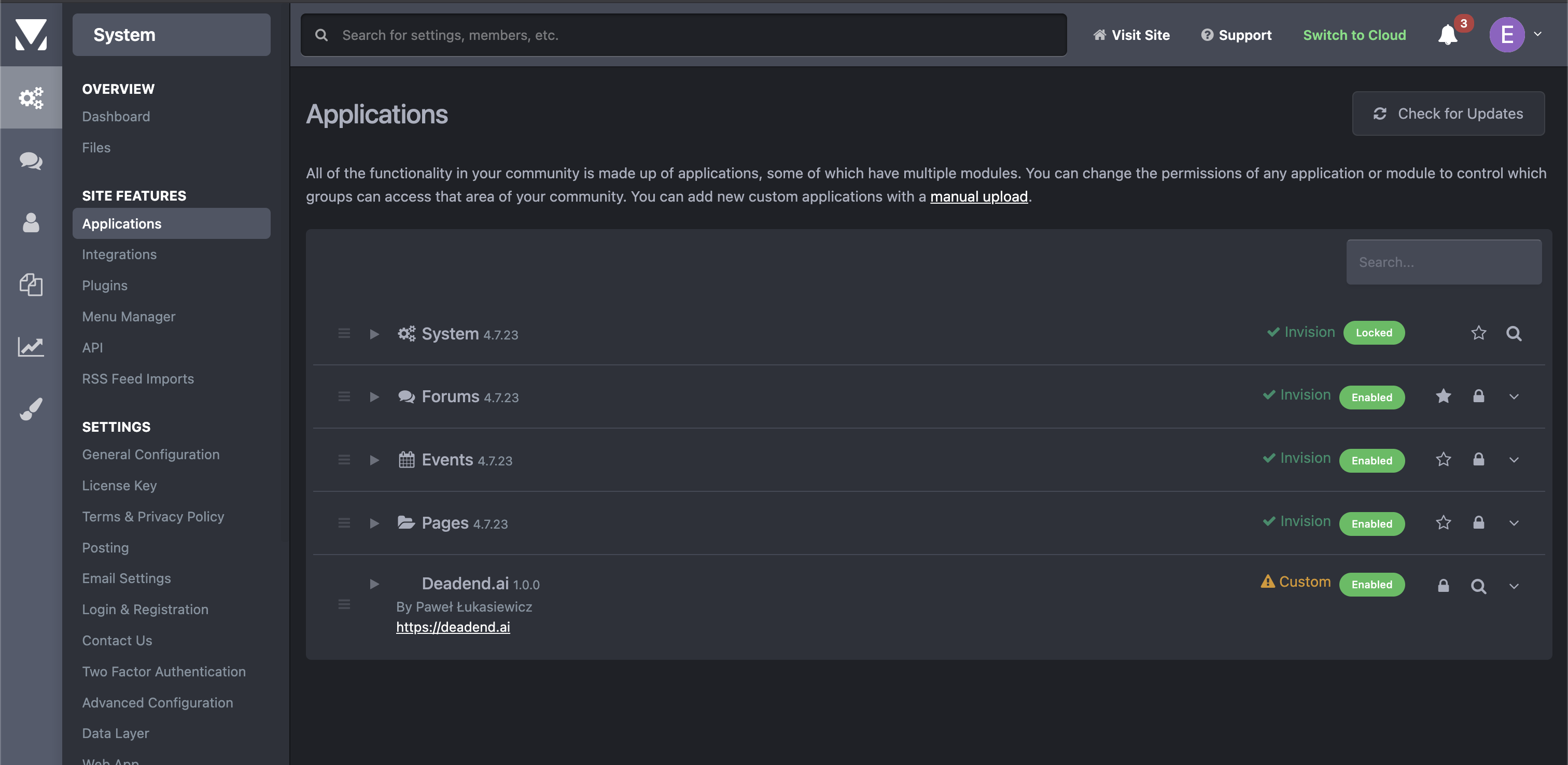
- Login to your AdminCP and navigate to System → Applications
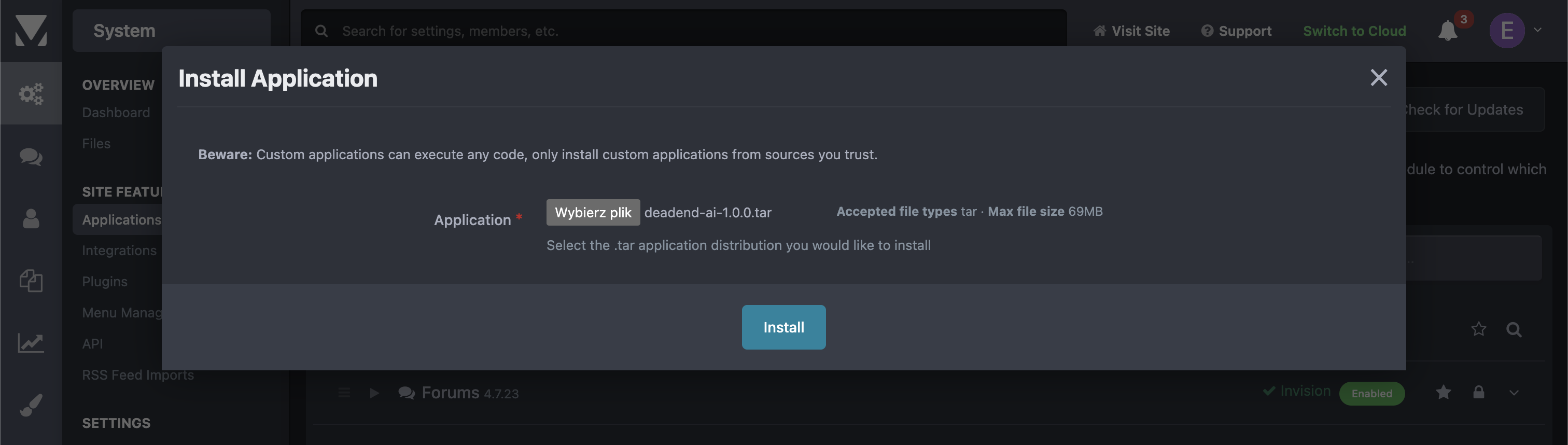
- Click "Install", upload the
.tarfile, and follow the installer instructions
Configuration
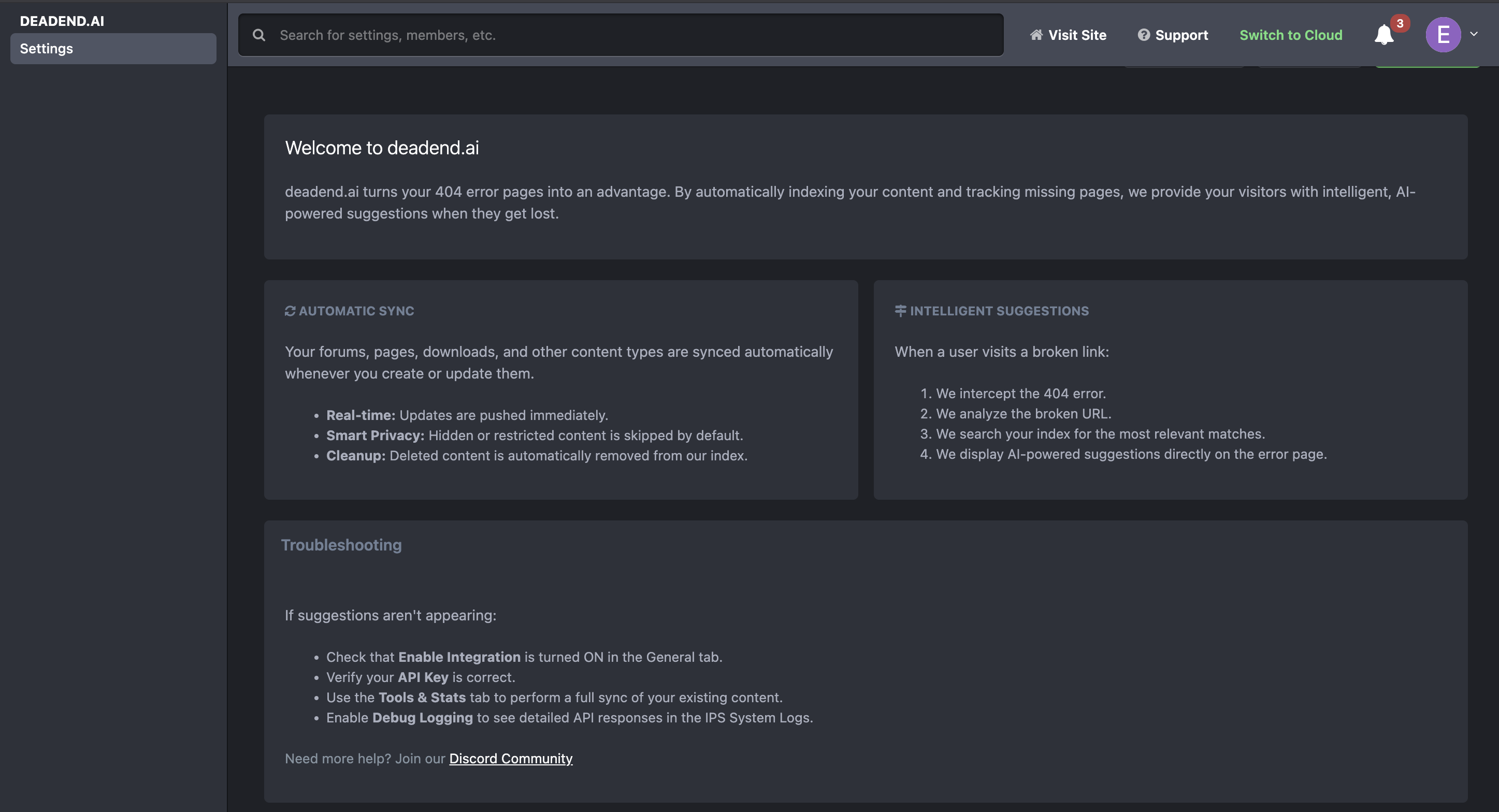
Navigate to AdminCP → Deadend.ai → Settings to configure the application.
API Key Setup
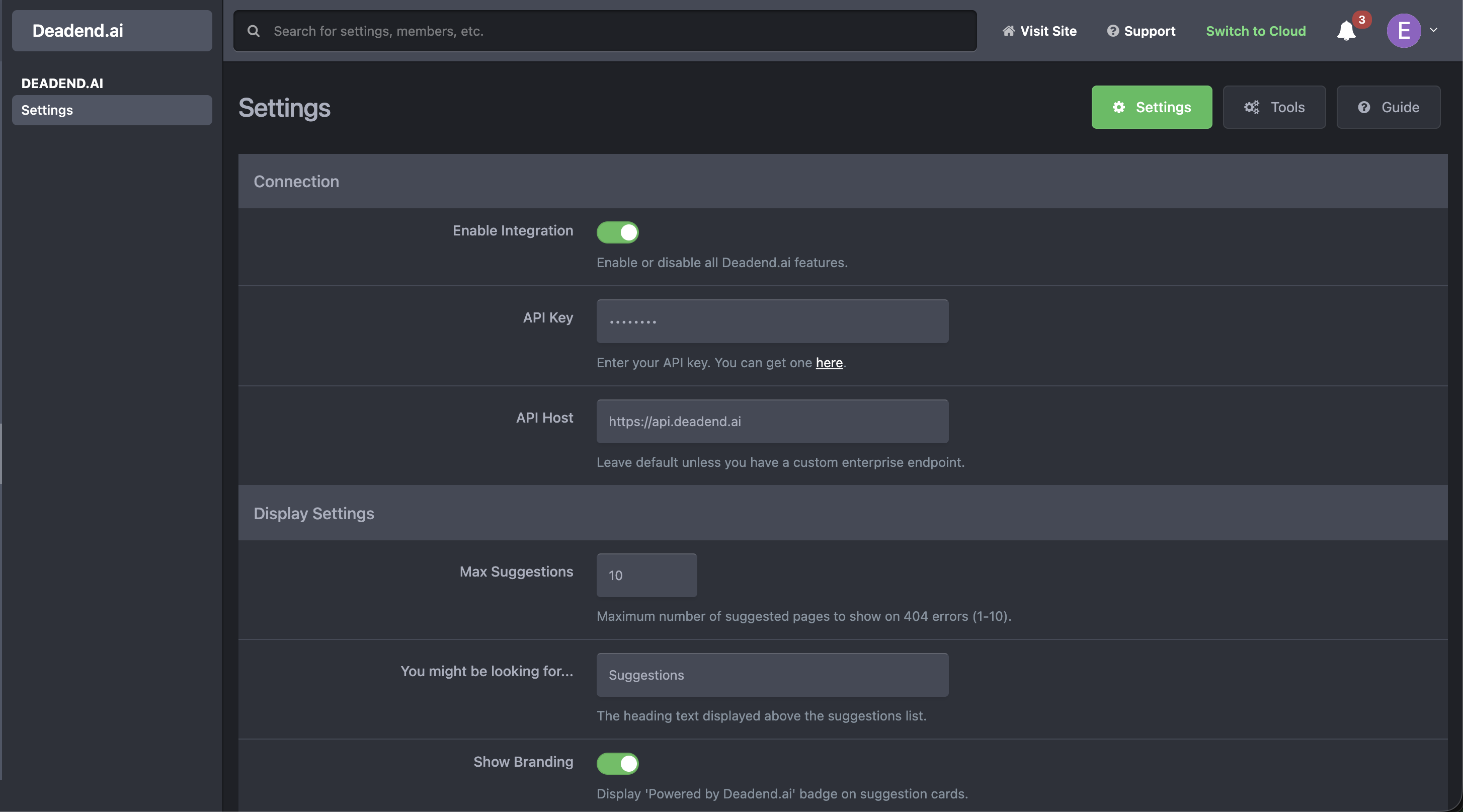
Enter your deadend.ai API key in the settings page. This key connects your community to your knowledge base.
404 Page Settings
The application automatically injects suggestions into your 404 error pages via the DeadendErrorHook.
- Enable Integration: Toggle the master switch to turn the integration on or off
- Smart Suggestions: Automatically displays a list of relevant content when users hit a broken link
- Branding: Option to show/hide the "Powered by Deadend.ai" branding
- Theme Compatibility: Works with your default community theme automatically
Content Sync
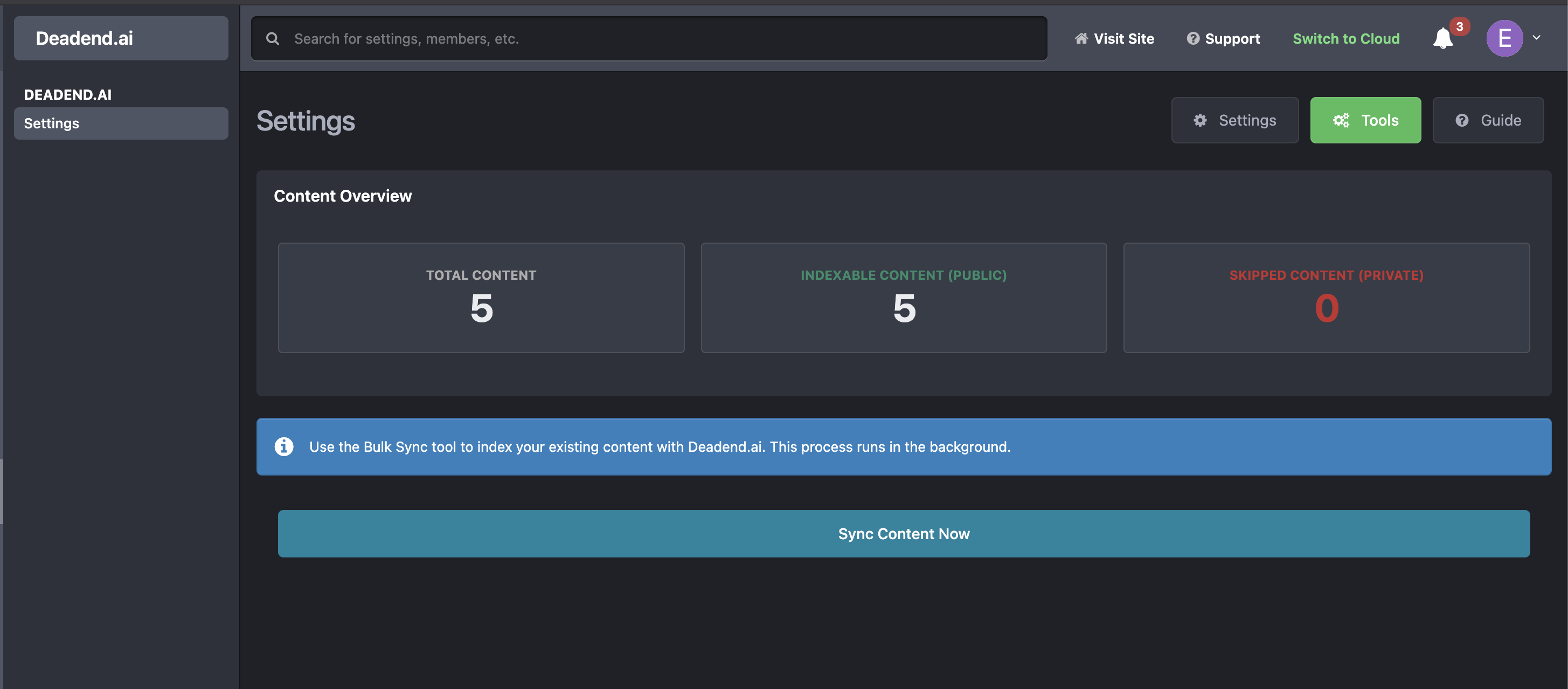
- Automatic Sync: New topics, articles, and content items are automatically synced when created or updated
- Manual Sync: Click the "Run Sync" button in Deadend.ai → Settings to batch sync existing content
- Privacy Handling: Automatically respects "Index Hidden Content" settings and removes deleted/hidden items from the index
Automatic 404 Handling
The application hooks into the native IPS error handler to intercept 404s.

- Non-Destructive: It does not replace the error page entirely but injects helpful suggestions into the existing layout
- Seamless Design: Inherits your site's CSS and styling for a native look and feel
- Inline CSS: Development mode includes failsafes to ensure styling works even in complex setups
Features
- ✅ Automatic 404 page suggestions (injects into native error page)
- ✅ Automatic content syncing for topics and content items
- ✅ Manual sync option for bulk updates
- ✅ Granular AdminCP permissions (View Settings, Manage, Sync, Stats)
- ✅ Full support for "Hidden" status to prevent leaking private content
- ✅ Secure API key handling
Next Steps
- Getting Started Guide - Learn how to set up your API key
- API Reference - Understand the underlying API endpoints